Stuck Under 10 Views? Why YouTube Ignores New Channels & How to Fix It


The truth: this is normal
If you’re stuck under 10 views, you aren't broken. You’re in the "ghost town phase." Every creator you watch started exactly here.
YouTube ignores new channels because it doesn't know you yet. Once you understand the mechanics, you can force the algorithm to pay attention.
How the algorithm treats you
YouTube is a recommendation engine. Its only job is to keep people on the site. To do that, it needs data: who watches, how long they stay, and if they come back. A new channel has zero data. Showing your video to a large audience is a gamble, and YouTube avoids gambling with viewer satisfaction.
When you upload, YouTube shows your video to a tiny test group. It watches the signals. Do they click? Do they watch past 30 seconds? Your content might be great, but it won't get traction without those initial signals, as explained in the algorithm guides.
The trust score problem
New channels start with a near-zero trust score. This is an anti-spam measure. Since YouTube deals with a flood of low-quality content, it applies friction to everyone at the start.
Low trust means fewer impressions. If YouTube only shows your thumbnail to 50 people, you won't get views. Verify your account with a phone number in your settings. Many creators skip this, but it’s a simple way to signal that you’re a real person.
The metrics that matter
Stop obsessing over total views. Focus on Click-Through Rate (CTR) and Average View Duration (AVD). If YouTube shows your thumbnail to 100 people and only two click, that's a 2% CTR. The algorithm reads that as "viewers don't want this" and kills the video. If seven people click, it starts showing your video to more people.
Why your thumbnail is failing
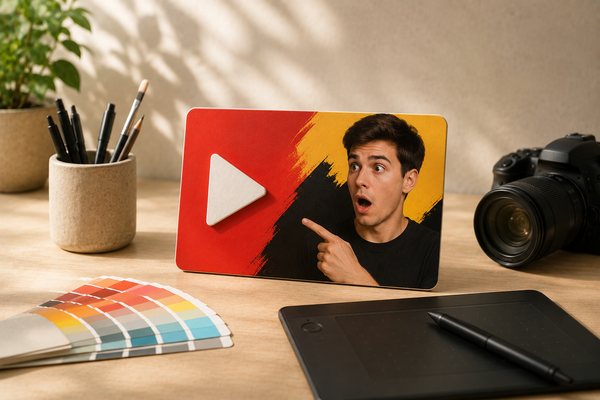
Most creators spend 90% of their time on the video and 10% on the thumbnail. The algorithm rewards the opposite. Common mistakes include:
- Cluttered text: Keep it to five words or less.
- No focal point: The eye needs one clear thing to grab onto.
- Redundancy: Don’t repeat the title in the thumbnail. Use the thumbnail to create curiosity and the title to provide context.
It is hard to be objective about your own work. That is why tools like BerryViral exist. You upload your thumbnail, get a clickability rating, and see exactly what to change—like text size or background contrast—before you publish.
Search vs. suggested
Don't try to go viral on the home feed yet. That is for established channels. Focus on search. Find specific questions people are asking in your niche and answer them. Search is friendlier to new channels because it prioritizes relevance over channel size.
The first 30 seconds
If people click but leave immediately, you have a "first 30 seconds" problem. Don’t start with a long intro or "hey guys." Get to the point. The viewer made a choice to click; confirm that choice immediately or they will leave.
How to break out
- Verify your account with a phone number.
- Treat the thumbnail as the most important part of your workflow.
- Target specific search queries to build your first 100 viewers.
- Check your "Reach" tab in YouTube Studio to see if your problem is low impressions or low CTR.
- Post consistently. One solid video per week beats three rushed ones.
The ghost town phase ends. It usually takes 20 to 30 uploads before the algorithm knows who you are. Keep going, fix your packaging, and stop guessing why your channel isn't growing.