YouTube Thumbnail Maker Tools: Which Ones Actually Work in 2026

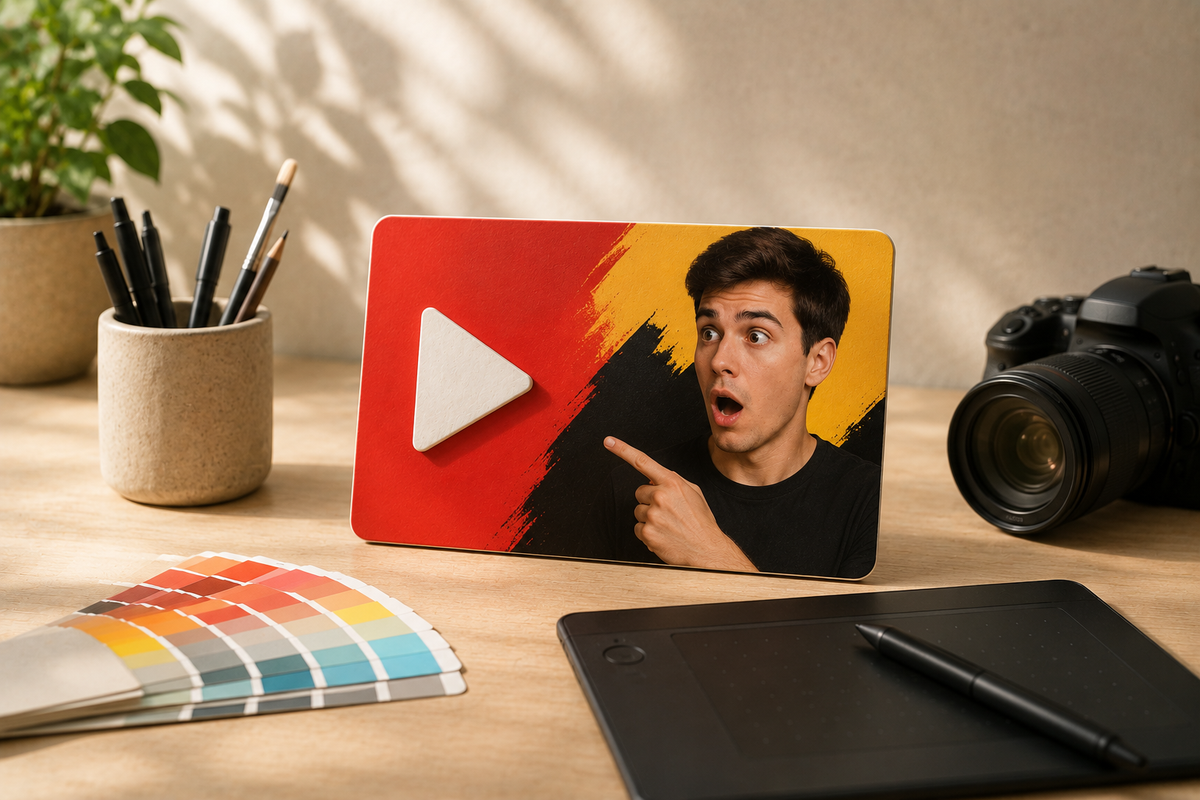
The YouTube thumbnail landscape in 2026
If you have spent five minutes hunting for thumbnail tools, you know the problem: there are too many. Most lists just push whatever pays the best commission. Here is what actually works, which tools deserve your time, and where the real CTR gains come from.
First, get the dimensions right
Before you open a tool, lock in the specs. YouTube thumbnail dimensions follow one standard:
- Recommended resolution: 1280 x 720 pixels
- Aspect ratio: 16:9
- Max file size: 2MB
- Accepted formats: JPG, PNG, GIF
People talk about 4K, but 1280 x 720 renders perfectly everywhere. Design at that size, export clean, and stay under 2MB.
Thumbnail makers: The design layer
These tools are mature. Pick one and stick to it.
Canva is the king in 2026. The free tier has thousands of templates and a drag-and-drop editor that requires no design skill. If you are a vlogger who needs speed, use Canva. Its AI features now let you swap elements without leaving the editor.
Adobe Express is the choice if you are already in the Adobe ecosystem or care about copyright-safe imagery. Its Firefly AI integration means everything you generate is commercially licensed. That matters if you run a brand channel or do client work.
Kapwing is great for one thing: pulling a frame directly from your video. If your style is documentary or vlog-based where a raw moment beats a staged shot, Kapwing is fast.
Photopea is a free, browser-based Photoshop clone. If a designer sends you a PSD template, Photopea opens it without a subscription.
AI generators: From zero to concept
A generator in 2026 should do more than pick a template. The best ones take your video file or URL and produce concepts with minimal manual work.
VidIQ’s AI Thumbnail Maker is the most polished. You can upload a video file, paste a link, or type a description to generate click-optimized thumbnails. It uses real performance data from millions of creators, which gives it an edge over generic image generators.
Canva’s Magic Media handles text-to-image well, but it does not understand YouTube CTR. It is a general generator living inside a thumbnail-sized canvas.
AI generation solves the blank canvas, but it does not solve the "will this get clicks" problem. You can generate a beautiful image and still have a 2% CTR because the composition is wrong. That is where BerryViral fits in. It generates concepts, but more importantly, it rates your thumbnail for clickability and gives feedback on contrast, text readability, and lighting. You can then improve the thumbnail with a single click.
Thumbnail testers: The step everyone skips
A tester tells you how your thumbnail will perform before you publish. This is high-leverage because a 1% improvement in CTR compounds across every impression your video gets.
BerryViral does this quite well, giving you detailed feedback on your thumbnail along with a real data-based clickability score out of 10. The feedback is simple to understand and ready to apply in one-click, giving you an improved super-clickable thumbnail in no time.
IntoThumbnail is a solid free option. It uses AI to score your thumbnail based on faces, objects, and contrast. It is not deep, but it is fast.
TubeBuddy’s Thumbnail Preview shows you how your thumbnail looks in the actual YouTube feed alongside competitors. This is useful because a thumbnail never exists in isolation.
YouTube’s native Test & Compare feature lets you A/B test up to three variants on a live video. It is the most reliable signal you can get, but you need an existing big-enough audience to get good data. The best workflow: use a pre-publish tester like BerryViral to filter out obvious issues, then use YouTube's A/B testing to optimize the final result.
Get inspiration from thumbnails that work
BerryViral also hosts a collection of already reviewed thumbnails from YouTube that you can browse at berryviral.com/reviews and actually see what works for other creators, for free.
Building a workflow that works
If you are serious about CTR in 2026, use this stack:
- Design: Canva or Adobe Express.
- AI exploration: BerryViral for review/feedback and concepts
- Pre-publish testing: BerryViral for feedback.
- Post-publish: YouTube’s native Test & Compare.
- Research: Thumbload to analyze competitors.
Remember, the channels that grow treat thumbnails as hypotheses to test, not finished products to ship.