YouTube Audience Retention: The Complete Optimization Guide

You can have the best production quality, the most engaging personality, and the perfect upload schedule. But if viewers click away after 30 seconds, YouTube's algorithm won't care about any of it.
YouTube audience retention—the percentage of your video that people actually watch—determines whether your content gets buried or recommended to millions. The platform's goal is simple: keep people watching. Videos that hold attention get promoted. Videos that don't get ignored.
Here's what you need to know about retention, the benchmarks that matter, and the specific tactics that can double your watch time.
What Counts as Good Retention on YouTube?
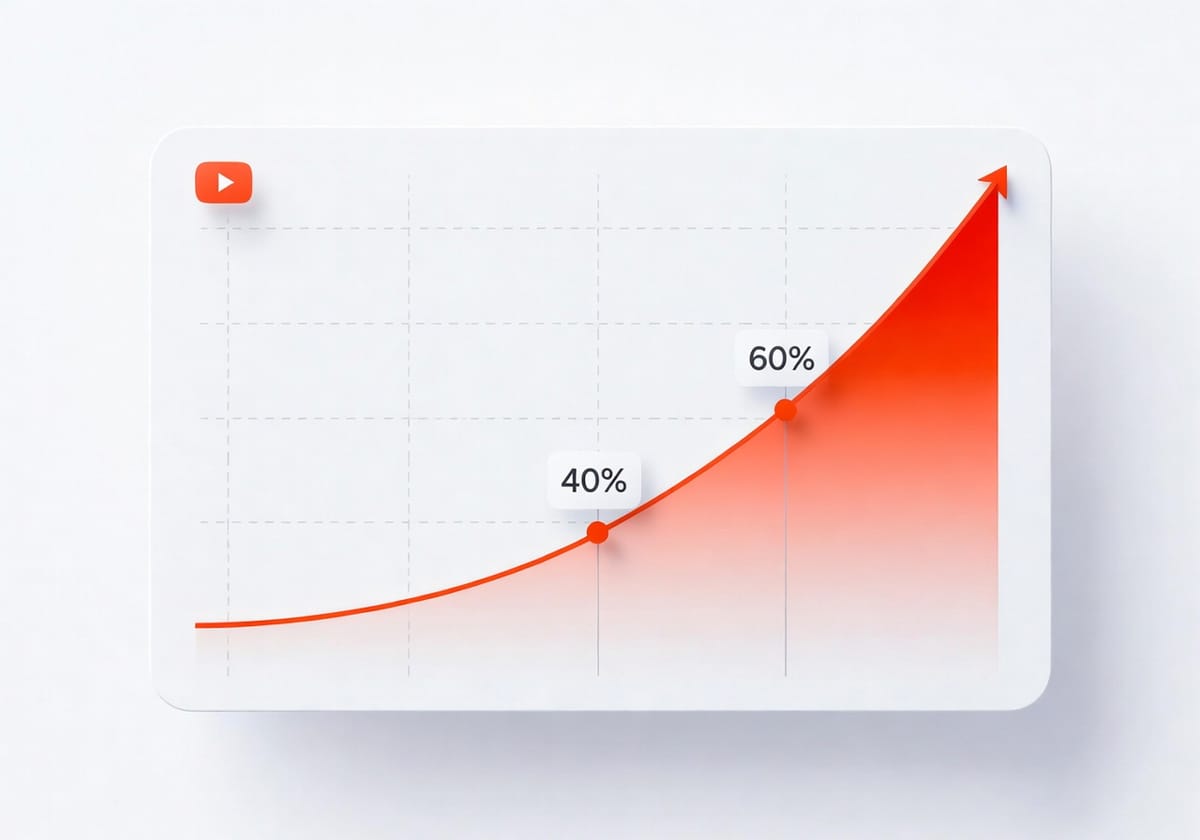
Most YouTube videos average well under 50% retention. If you're consistently holding 40-60% of viewers, you're doing better than most creators.
But video length matters. A 5-10 minute video should aim for around 60% retention, while longer content (60+ minutes) typically averages 45-50%. Gaming and podcast videos often sit between 25-40% retention, which is normal for their format.
Here's the real number to care about: videos with high retention are roughly 2-2.5× more likely to appear in search results and suggested feeds. That multiplier compounds fast. A 10% improvement in retention can mean hundreds of thousands more views over a year.
Why YouTube's Algorithm Obsesses Over Retention
YouTube doesn't rank videos based on views alone. The platform rewards watch time—total minutes watched across all your content. A video with 10,000 views and 70% retention will outrank a video with 50,000 views and 20% retention every time.
The reason is straightforward: YouTube makes money when people stay on the platform. If your videos keep viewers watching, YouTube makes more ad revenue. So the algorithm pushes your content to more people.
By 2025, retention and viewer satisfaction are becoming the primary ranking factors, surpassing even click-through rate. That means the creators who master retention will win the next few years of YouTube growth.
The 10 Retention Tactics That Actually Work
These aren't theoretical tips from someone who's never posted a video. These are the strategies top creators use to keep viewers watching until the end (recommended by Mario Joos)
1. Your Intro Has One Job (and It's Not to Impress)
Your intro exists to confirm the viewer made the right click. That's it.
Keep it between 8-25 seconds. State what the video covers, why it matters, and what the viewer will learn. Then jump into the content.
Long, cinematic intros kill retention. People didn't click for production value—they clicked for the answer in your title. Give that confirmation to them fast.
2. Make Viewers Feel Included, Not Like Spectators
When you're filming with other people, don't turn fully away from the camera. It makes viewers feel excluded—like they're watching someone else's conversation instead of being part of it.
Open body language and direct eye contact (even if it's just periodically returning to face the camera) keeps viewers engaged. Connection-driven content lives or dies on this.
3. Add Subtitles to Every Video
Subtitles do two things: they help viewers process information faster, and they signal that you care about quality.
Viewers notice the effort. When your video has tight, well-timed captions, it raises the perceived value of your content. That perception keeps people watching longer, especially when the visual appeal alone isn't enough to carry the video.
4. Cut Transitions Down to Nothing
After resolving one segment, move immediately to the next. Long transitions—fades, b-roll montages, dead air—create drop-off points.
This is called segmentation loss. The viewer's brain disengages during downtime, and they're more likely to click away. Keep momentum by cutting transitions to 1-2 seconds max.
5. Start with Front-Angle Shots After B-Roll
Side angles and cinematic shots have their place, but when you return from B-roll or a cutaway, come back to a front-facing shot first.
It instantly reconnects viewers with you as the host. Side angles feel distant. Front angles feel conversational. Use them strategically to rebuild attention after visual breaks.
6. Show Timers in Real-Time Challenges
If your video involves a time-sensitive challenge, keep the timer visible throughout the segment—not just at the beginning and end.
Constant countdown creates urgency. Viewers stay engaged because they're aware of the stakes. Without the timer, the middle of the challenge feels flat and viewers lose interest.
7. Introduce Complexity Gradually
If your video explains something complicated, don't dump all the rules and context in the first minute. Start simple, then layer in details segment by segment.
New viewers need an on-ramp. If the first 30 seconds feel overwhelming, they'll leave. Build complexity as the video progresses so people can ease in.
8. Avoid Implied Repetition
Repetition isn't just saying the same thing twice. It's also making different points that communicate the same message.
If three separate moments in your video all reinforce "preparation is important," viewers will feel like you're stalling. Each segment should move the narrative forward, not restate what you've already covered.
9. Break the Fourth Wall Intentionally
In entertainment content, acknowledging the camera can boost authenticity. In educational content, it can raise perceived quality—especially when you address a producer or reference the filming process.
The key is intention. Random fourth-wall breaks feel awkward. Planned ones add personality and make viewers feel like insiders.
10. Use Memes Sparingly
Memes make content feel current, but they age fast. Overusing them—especially repeating the same meme across multiple segments—annoys viewers and hurts pacing.
Treat memes like seasoning. A quick comedic beat works. Stretching a meme across 30 seconds kills momentum.
Pattern Interrupts: The Secret to Mid-Video Retention
Even with a strong intro, viewers will drift if your video looks the same for too long. That's where pattern interrupts come in.
A pattern interrupt is any sudden change that recaptures attention: switching camera angles, cutting to B-roll, adding on-screen text, or changing the background. The video doesn't feel static, so viewers stay alert.
One case study found that videos with frequent graphics and visual changes held viewers 2+ minutes longer than talking-head videos with no edits.
Jump cuts are the easiest interrupt to implement. Cut out pauses, silences, and filler words. The result is a tighter, faster-paced video that feels more watchable.
How to Add Key Moments for YouTube Audience Retention
Key moments are YouTube's way of highlighting the most-watched parts of your video. They appear as markers on the progress bar and can surface in search results as "chapters."
Here's how to add them:
1. Use timestamps in your description
Write timestamps in this format:
- 0:00 - Introduction
- 1:23 - Main concept explained
- 4:56 - Common mistakes to avoid
YouTube automatically converts these into chapters if you include at least three timestamps and start with 0:00.
2. Let YouTube auto-generate key moments
If you don't add manual chapters, YouTube's algorithm will identify high-retention segments and mark them as key moments. These show up on your retention graph in YouTube Studio.
3. Analyze where viewers rewatch
Spikes in your retention graph mean viewers replayed that section. If a specific moment gets rewatched often, that's a key moment—either because it's valuable or confusing. Use that data to structure future videos.
Chapters help viewers navigate your content, which paradoxically increases retention. People skip to the parts they care about instead of leaving entirely. They get the information faster, stay satisfied, and watch other videos on your channel.
Use Your Analytics to Fix Drop-Off Points
Your retention graph shows exactly where people leave. A sharp dip at 2:30? Something went wrong at that timestamp. Go back and watch it.
Common culprits:
- A long tangent that doesn't match the title
- A confusing explanation that needed a graphic
- Dead air or filler content
- A segment that drags on too long
The "Intro" metric is especially useful. If fewer than 50% of viewers make it past the first 30 seconds, your intro either doesn't match your thumbnail/title or takes too long to deliver value.
YouTube's official recommendation: if your intro retention is low, either rewrite the opening 30 seconds or change your title and thumbnail to match what the video actually delivers.
Thumbnails and Retention: The Connection You're Missing
Here's something most creators overlook: your thumbnail doesn't just affect click-through rate. It affects retention.
If your thumbnail promises something your video doesn't deliver, viewers leave fast. That tanks your retention, which kills your reach.
This is where BerryViral becomes useful. Instead of guessing whether your thumbnail accurately represents your video, you get an objective clickability score and specific feedback on what to change. The platform can even generate an optimized version that keeps your style consistent while improving your click-through rate.
Better thumbnails mean better-matched expectations. Better-matched expectations mean higher retention. It's a cleaner loop than most creators realize.
The Retention Fundamentals That Never Change
No matter how YouTube's algorithm shifts, these principles stay constant:
Hook in the first 15 seconds. YouTube viewers decide whether to keep watching within seconds. If you don't confirm their click was worth it, they're gone.
Preview your best content early. Tease the payoff so viewers know it's coming. This is why cooking shows show the final dish in the intro.
Cut aggressively. Every second that doesn't add value subtracts it. Trim your videos down to the leanest version.
End with direction. Use end screens to suggest a related video or playlist. This keeps viewers on your channel longer, which compounds your total watch time.
Retention isn't a hack. It's the result of respecting your viewer's time, delivering exactly what you promised, and making every second count.
The creators who internalize that will own the next era of YouTube.